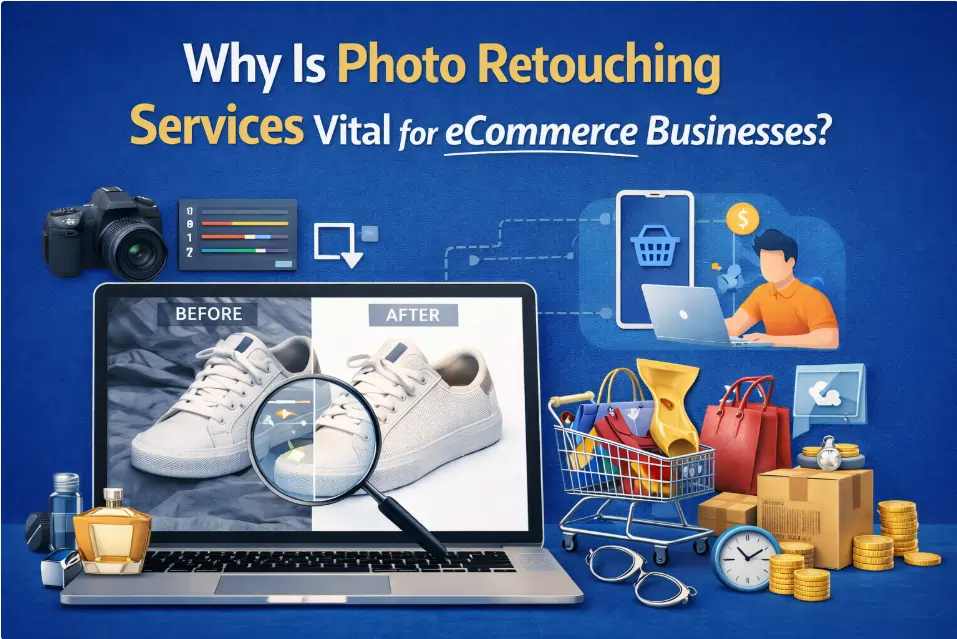
Photo retouching is a post-production process that enhances product images by correcting colors, adjusting lighting, and removing imperfections to meet eCommerce standards. High-quality visuals play a crucial role in building customer trust and influencing purchasing decisions, as buyers rely heavily on product images to understand what they are buying.
To save time and ensure consistent quality, many online sellers choose professional photo retouching services to improve their product presentation and boost sales. In this article, you’ll learn why photo retouching services are vital for eCommerce businesses.
Why Photo Retouching Services Are Vital for eCommerce Businesses
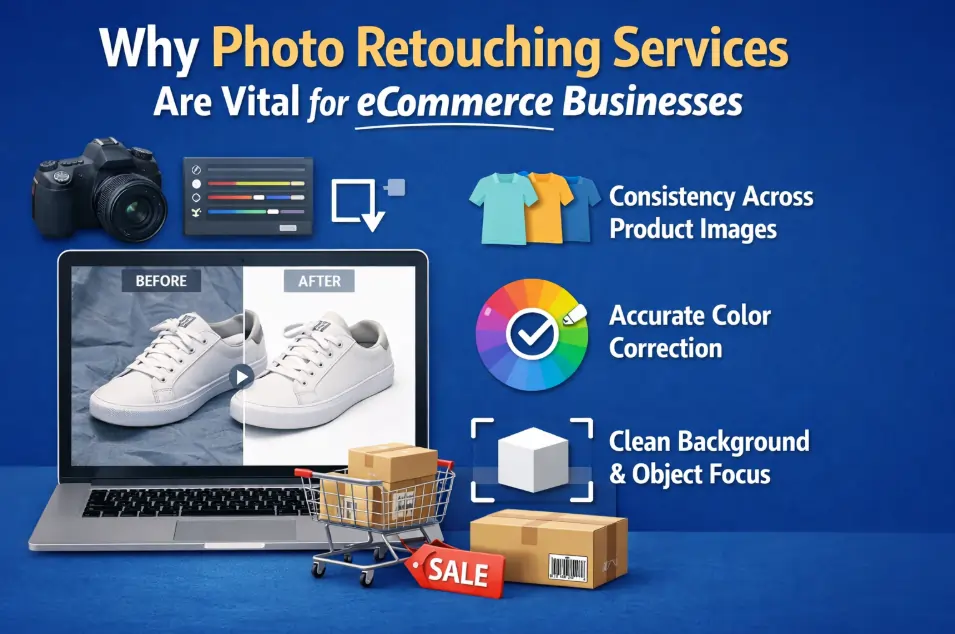
Consistency Across Product Images
Professional retouching applies the visual standards across all product images. This creates a uniform presentation where items align in size, lighting, and perspective.
As a result, buyers can compare products, listings will be structured, and the store presents products as professionally managed.
- Products display at a uniform scale across category and listing pages.
- Lighting remains balanced, preventing misleading visual differences.
- Angles stay consistent, supporting faster product comparison.
Accurate Color Correction
Color correction ensures the photo shows the same color as the real product. The retouching process adjusts images so what customers see on the screen matches what they receive in the package. This reduces returns, customer support issues, and order disputes.
- Customers see the same color online that arrives in delivery.
- Fewer product returns caused by color mismatch.
- Reduced customer complaints related to appearance issues.
Clean Background & Object Focus
The finest retouching removes background clutter and keeps attention on the product itself. This helps products stand out clearly on listing pages, search results, and mobile screens, where buyers usually decide within seconds.
Changes for your store:
- Products stand out clearly without background distractions.
- Potential customers identify product details faster.
- Listings look cleaner and easier to browse.
Professional Retouching
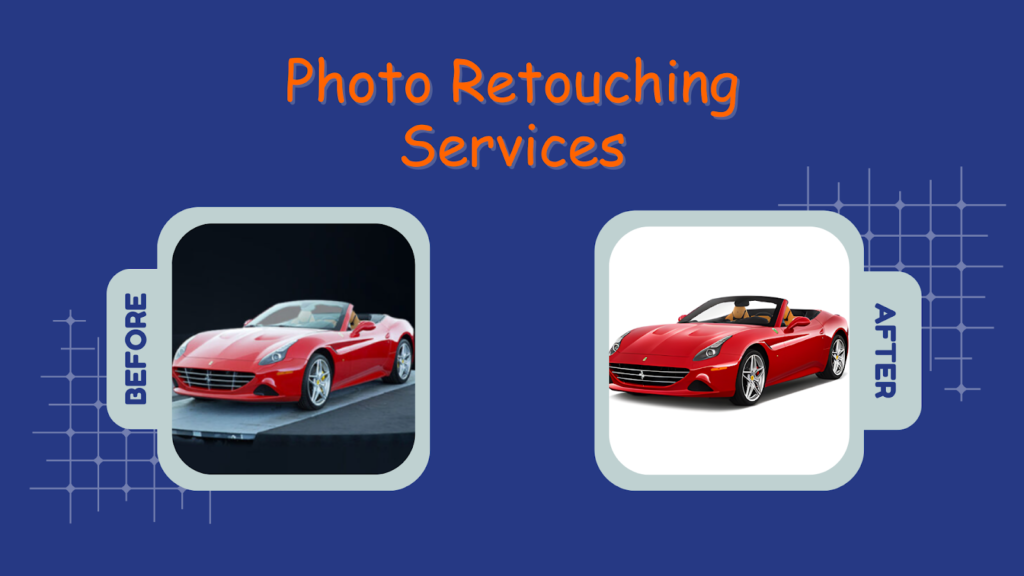
Product photos often have small problems. There may be dust on the item, uneven light, or minor marks caused during shooting. These issues make products look careless, even if the product itself is good.
Retouching fixes only these small issues. It does not change the product’s shape, color, size, or details. The photo is cleaned, not altered. What customers see online is what they receive after delivery.
What this avoids for your store:
- Customers saying, “This is not what I ordered.”
- Returns caused by the product looking different
- Complaints about misleading product photos
Image Optimization for Web Performance
When image retouching is completed, the image is not uploaded directly to the website. First, the image is made smaller so it does not slow down the page. Large camera files are reduced to the exact size needed for product pages.
Next, the retouched image is saved in customer-friendly formats.
For eCommerce:
- JPEG is used for most product images
- WebP is used when faster loading is required
These formats keep images clear but help pages load faster.
This does for your store:
- Product images open faster for customers.
- The website works better on mobile phones.
- Fewer visitors leave before seeing products.
Platform-Specific Compliance
Every online marketplace has its image rules. If product photos do not obey those rules, listings can be rejected, delayed, or shown less to customers. This slows down sales and creates extra work for store owners.
Before images are uploaded, the retouching team checks which platform the images are for. Then the images are edited to match that platform’s rules, such as background color, image size, and how the product is shown.
What this prevents for your business:
- Product listings being rejected or delayed.
- Images requiring repeated corrections after upload.
- Reduced visibility caused by non-approved images.
Brand Identity & Style Consistency
When customers see your product images again and again, they start to recognize your store. This happens when all images follow the same look, such as similar lighting, background style, and overall product. Quality images make your store easy to recognize.
Photo retouching keeps this same visual style across all products. Whether you sell ten products or ten thousand, images are edited in the same way so new products match old ones. This makes your store look stable, established, and professionally managed.
This helps your business achieve:
- Customers recognize your store from the product images
- New products match existing listings automatically
- Your store looks consistent across marketing and product pages
Scalability & Turnaround Time
As an online store grows, the number of product images also increases. New products, seasonal updates, and promotions require many images to be edited quickly. Without a proper retouching system, delays happen and product launches slow down.
When many images need editing, the retouching work is divided and completed in an organized way. This allows images to be finished faster, so products can be uploaded without waiting too long, even when the workload increases.
This allows your business to do:
- Get many product images edited in less time
- Upload new products without delays
- Continue selling during busy sales periods.
Cost-Effectiveness & ROI
Managing product image retouching and editing inside a business often increases costs over time. Salaries, editing software, training, and repeated corrections all add up. As product numbers grow, these costs grow as well, even before any sales improvement is seen.
Using a photo retouching service changes how money is spent. Instead of fixed monthly expenses, businesses pay only for the images they need edited. Images arrive ready to upload, so products are listed faster and image-related mistakes are reduced.
- Less money spent on staff and software.
- Fewer refunds caused by incorrect product images.
- More sales from the same product listings.
Data Security & Image Ownership
Before sending any image, the retouching company signs an NDA (Non-Disclosure Agreement). This is a written promise that says:
“We will not show your images to anyone. We will not use them for ourselves. We will only work on them for you.”
That is all the NDA does.
After this agreement, your images are edited only for your order. They are not shared with other clients, not used in advertising, and not kept for personal use.
How your images are protected:
- NDA stops the company from sharing your images.
- Only the editing team can see your files.
- Your images remain your property.
How to Do Photo Retouching Services for eCommerce Business
Understand eCommerce Requirements First
Before any image is edited, the retouching team confirms where the image will be used. Each eCommerce platform follows different image rules related to size, background, and product placement.
A professional ecommerce photo editing service follows these requirements first so images are accepted and displayed correctly.
- Identify the target platform for each image.
- Follow platform image rules before editing.
Remove Imperfections
During photography, products often collect dust, scratches, or small marks. Professional image retouching services remove these visible issues so products look clean and professional. While keeping the real shape and features unchanged.
- Remove dust, stains, and surface marks.
- Keep the product’s original structure.
Enhance Product Details
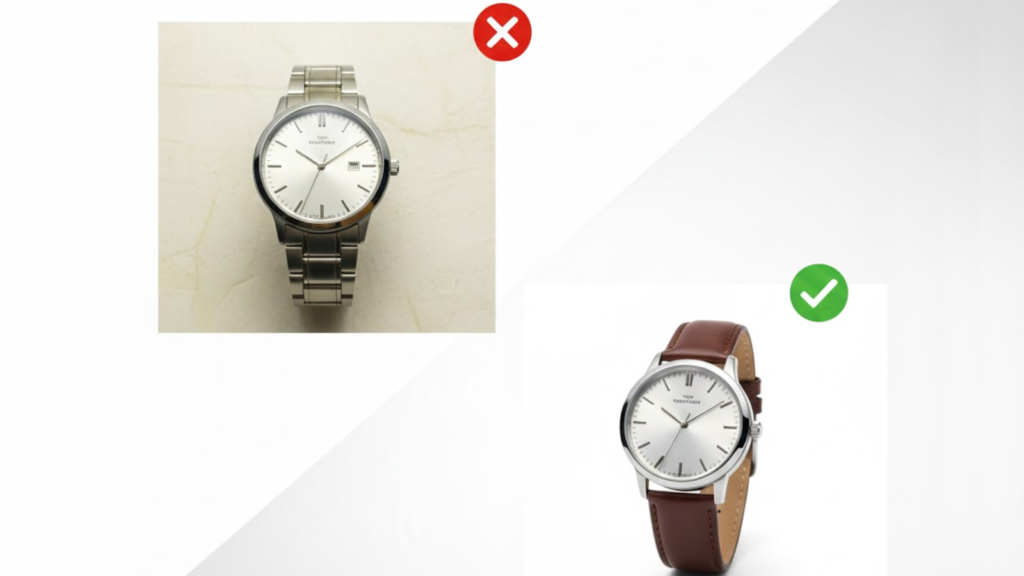
After cleaning, important product areas are refined so customers can clearly see quality and materials. High-end photo retouching services improve the clarity of edges, textures, and surfaces without changing the product’s real appearance.
- Improve visibility of textures and materials.
- Sharpen key product areas.
Shadow & Reflection Creation
After the product is cut out from the background, the editor creates a shadow by duplicating the product layer. The duplicated layer is placed underneath the product. It is filled with dark color, blurred slightly, and positioned to match the product’s base.
This shadow stays under the product in every image, so all products look placed on the same surface. Reflections are added only by duplicating the product again and lowering its visibility for glossy items.
- Copy product shape to create shadow.
- Place a shadow layer under the product.
- Blur and darken the shadow slightly.
- Add reflection only for shiny products.
Quality Control Check
Before delivery, each image is carefully reviewed. This step ensures accuracy, consistency, and completeness, especially when managing large batches or detailed work such as portrait retouching service projects.
- Review images for accuracy.
- Check for missed corrections.
Final Delivery & File Management
After approval, images are saved in web-ready formats and organized clearly. Proper file naming and structure make uploads easier and future access more efficient for eCommerce teams.
- Deliver images in required formats.
- Organize files for easy upload.
Cost Factors & Outsourcing of Photo Retouching for eCommerce Businesses
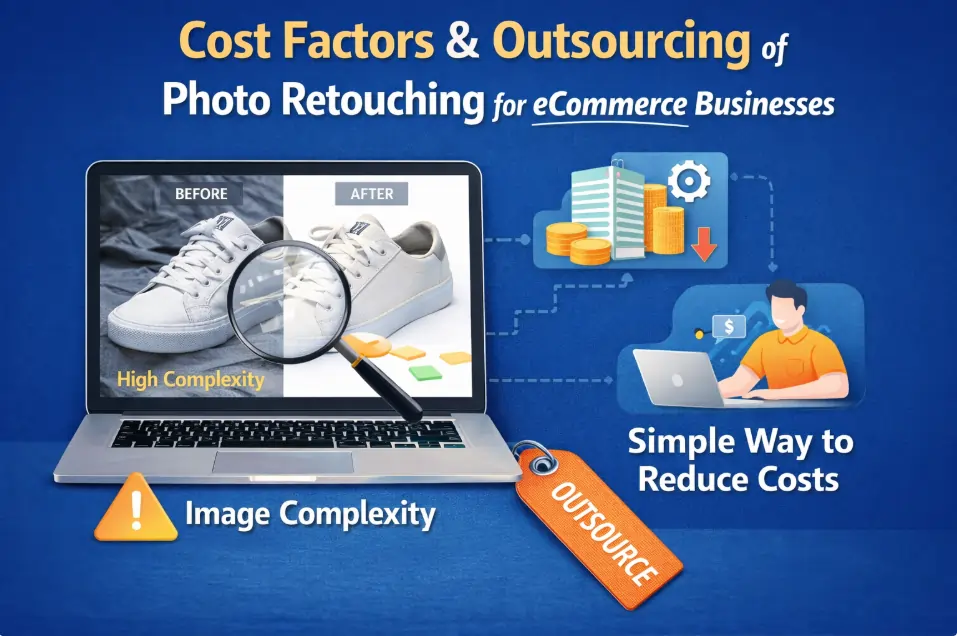
Image Complexity
An image becomes complex when the product is difficult to separate or clean in the photo. This happens when the background is busy, lighting causes glare, or the product has many small parts. Complex images take more time to edit and increase cost.
Using a plain background, proper lighting, and clear product positioning makes the product easier to edit. This reduces editing time and helps control overall retouching costs.
Simple way to reduce complexity:
- Use a clean, plain background.
- Adjust lighting to reduce glare.
- Position the product clearly and evenly.
Volume of Images
In e-commerce, retouching prices are usually calculated per image, and the price drops when more product images are sent together. This is because bulk product uploads are edited in one workflow, reducing time per image.
Typical price by image volume:
- 1–20 images: $4–$6 per image.
- 21–100 images: $2–$3 per image.
- 101–500 images: $1–$2 per image.
- 500+ images: $0.50–$1 per image.
In-House vs. Outsourcing Cost Comparison
When image editing is handled in-house, costs are fixed and continuous. A business pays an editor’s salary, software fees, and other expenses every month, even during slow periods when few or no new products are added.
With outsourcing, costs change based on how many product images you send. You are charged per image, not per month.
For example:
- Upload 30 product images → pay 30 × $2 = $60
- Upload 200 product images → pay 200 × $1.50 = $300
- Upload no new products → pay $0
There are no salaries, no software costs, and no payment when no images are sent.
Clear cost comparison:
- In-house editing: $2,600–$4,200 every month, fixed
- Outsourcing: $0–$300, depending on image volume
Typical Ecommerce Retouching Cost Range
In eCommerce, photo retouching is charged per image. The price depends on how much work the image needs. The more work required, the higher the price. Below is a simple breakdown most online sellers understand.
Clear cost examples per image:
- Basic edit (dust removal, small cleanup): $0.50–$1
- Normal product edit (background cleanup, color fixing): $2 – $4
- Detailed edit (complex products, fine corrections): $5–$10
Comparison of Photo Retouching Services for Ecommerce
| Service Type | Avg. Cost per Image | Quality Level | Scalability | Turnaround Time | Best For |
| In-House Team | $5 – $20+ | Very High | Low | Medium | Large brands with constant workload |
| Freelance Retoucher | $3 – $10 | Medium–High (varies) | Low | Medium | Small stores, short projects |
| Local Agency | $10 – $30+ | Very High | Medium | Slow–Medium | Luxury & premium ecommerce |
| Offshore Retouching Company | $0.50 – $5 | High | Very High | Fast (24–48 hrs) | Bulk ecommerce, scaling brands |
| AI / Automated Tools | $0 – $0.30 | Low–Medium | Very High | Instant | Basic editing only |
FAQ: Why are photo retouching services vital for e-commerce businesses?
Why do professional sellers invest in photo retouching?
They invest because clean product photos help customers see the product clearly, trust the listing, understand what they will receive, and feel confident buying online.
How does retouching affect conversion rates?
When images look clear and clean, customers understand products faster, feel less confused, and are more likely to buy instead of leaving the page.
Is outsourcing photo retouching secure?
Yes. Companies sign NDAs, keep images private, allow only editors to access files, and never share or reuse product images.
What platforms require strict image compliance?
Amazon, eBay, Walmart, Shopify, and Etsy require correct image size, background, and layout, or product listings can be rejected.
How fast can high-quality product retouching be delivered?
Large numbers of images are edited quickly by multiple editors working together, usually finished within one or two days.
Conclusion
Ecommerce photo retouching services help online sellers show clean and correct product photos. Clear images help customers understand products, trust the store, follow marketplace rules, avoid returns, and increase sales while saving time and cost for growing e-commerce businesses.
Read more Retouching related atricle:
What Is Product Photo Retouching and Why It’s Essential for E-commerce Success