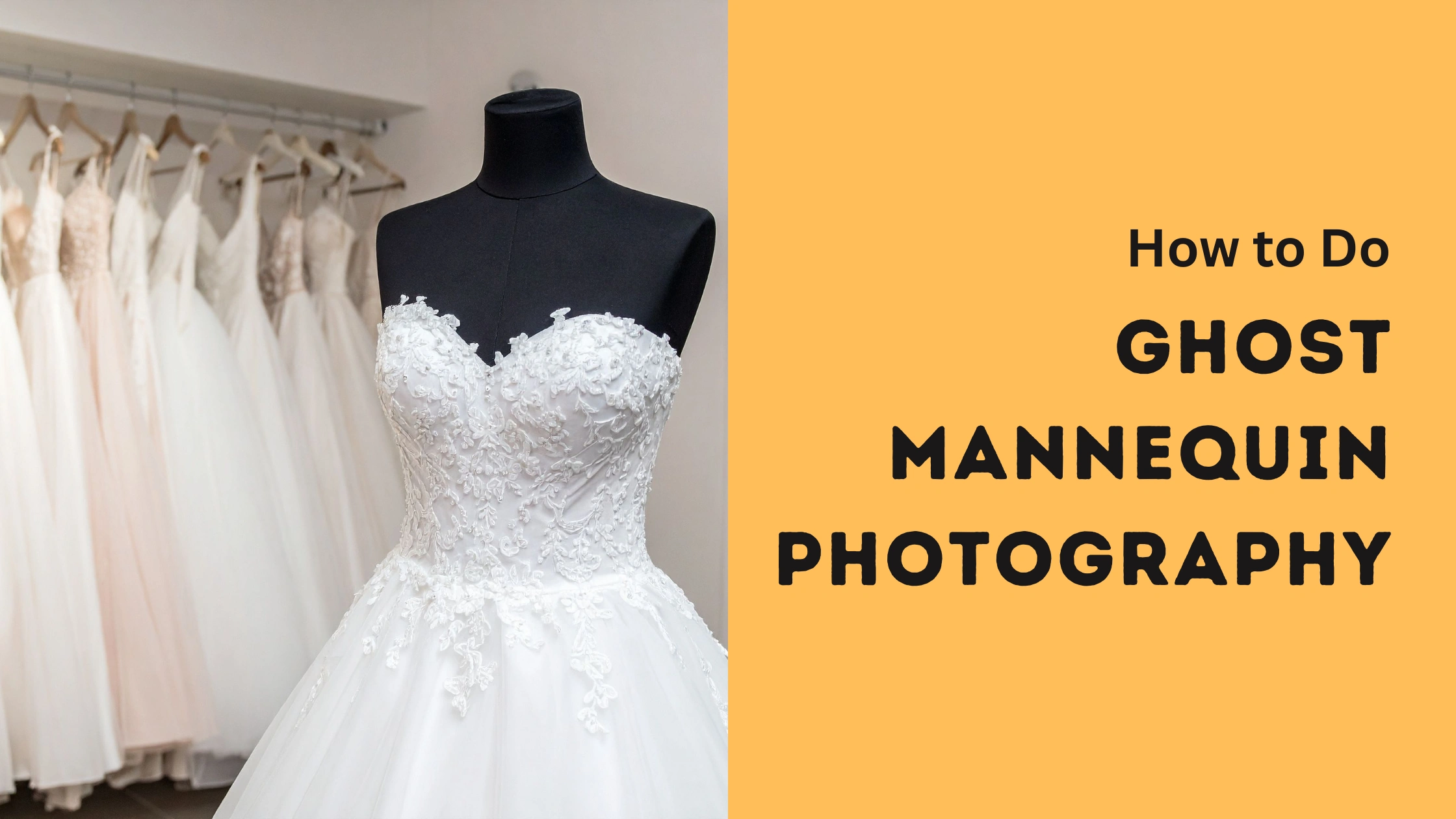
A ghost mannequin effect creates the illusion of a floating, three-dimensional garment by removing the model or form. It works through careful photography and precise editing, giving products a clean, realistic, professional presentation.
What Is Ghost Mannequin Photography?
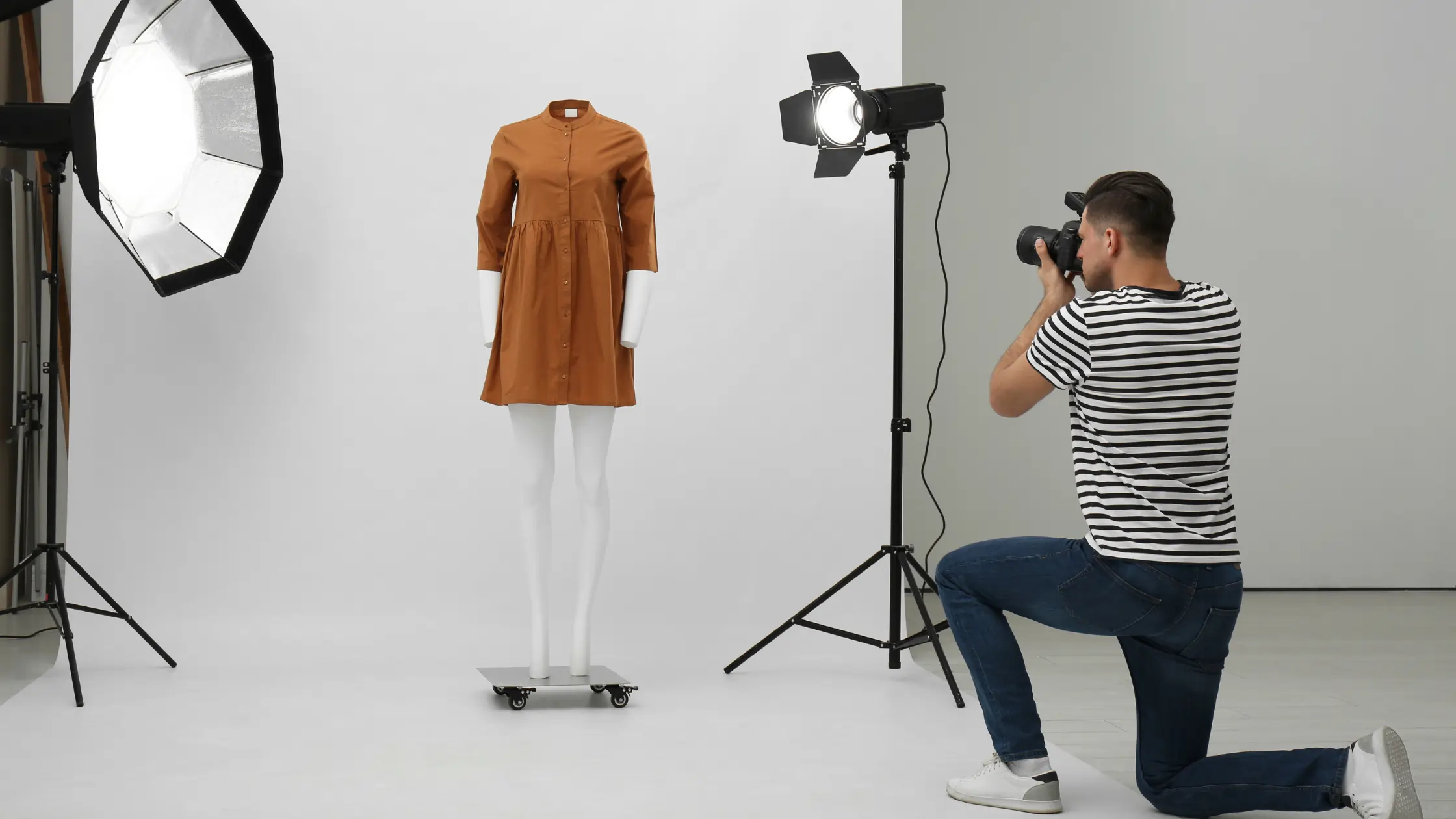
Ghost mannequin photography is a method that visually shapes apparel without showing the support underneath. Brands rely on this approach to highlight structure, fabric behavior, and construction details. This technique simplifies the mannequin in post-production, allowing editors to assemble internal components and refine contours with greater accuracy. The result is a cleaner presentation that strengthens product image and elevates the customer’s viewing experience.
Step-by-Step Guide to Ideal Studio Setup
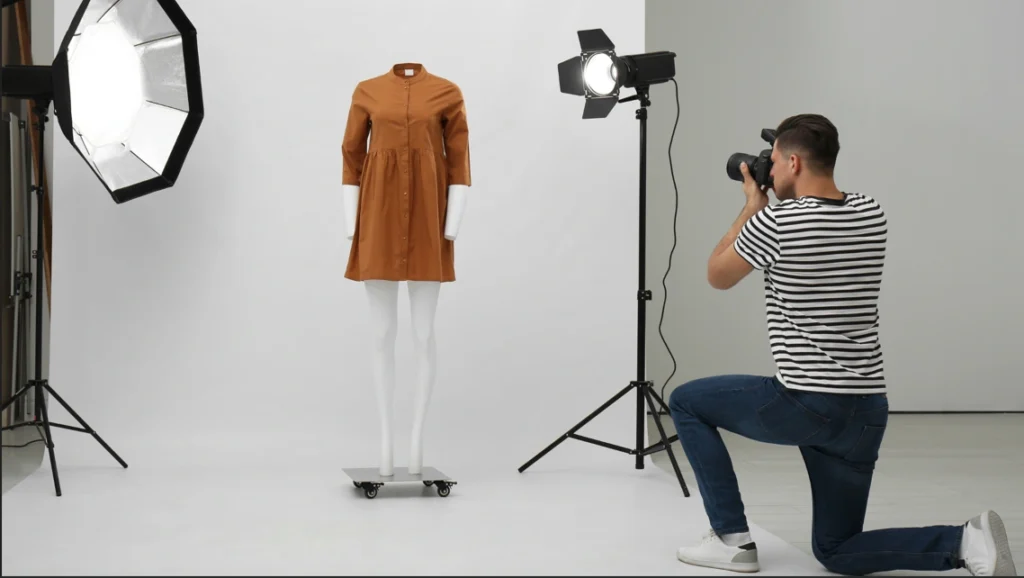
Step 1: Select a dedicated shooting room next to a balcony so daylight enters from one direction. Aim for a studio shooting space that allows a backdrop, a 3d mannequin, lighting stands, and a tripod. You should walk around every product from an angle, adjust garments, and change lenses without hitting walls, furniture, or knocking over fragile equipment, cables, reflectors, stools, stands, or props, anywhere.
Step 2: Install a seamless background system against the main wall, using paper or fabric pulled smoothly down to the floor. Secure edges with clamps or tape so nothing wrinkles during shooting. Choose neutral tones like white, light gray, or pale beige, which help colors stay accurate and make later ghost mannequin product faster, more predictable, cleaner, and professional looking.
Step 3: Shape natural light from the balcony by hanging sheer curtains or diffusion panels across openings. These materials soften contrast and remove hard streaks on shiny fabrics. Add white background or collapsible reflectors opposite the windows, bouncing illumination back into shadows, especially under sleeves, collars, and hems, keeping detail visible without making the clothing appear flat or washed.
Step 4: Position two continuous lights or flashes with softboxes at roughly forty-five degrees either side of the mannequin, level with the chest area. Tilt them downward to follow garment lines. If needed, add a third light behind for subtle separation from the background, then lower power until edges feel defined yet still natural for later compositing and shadow building.
Step 5: Place a solid mannequin is crucial, a hanger rig, or a tabletop support exactly in the center of your lighting setup. Mark its footprint with gaffer tape on the floor to keep placement consistent. Consistent positioning protects perspective across different angles, which becomes critical when combining interior labels, neck areas, and underside shots during ghost mannequin retouching and alignment work later, meticulously.
Step 6: Organize clamps, pins, double-sided tape, fabric clips, lint rollers, and small styling tools on a nearby trolley. Keep tripods, light stands, and cables locked and taped down. This arrangement speeds adjustments, prevents accidents, and ensures garments stay symmetrical, smooth, and photo editing service, giving you reliable files for detailed masking, mannequin removal, and realistic shadow creation afterward, consistently.
Camera Positioning and Tools
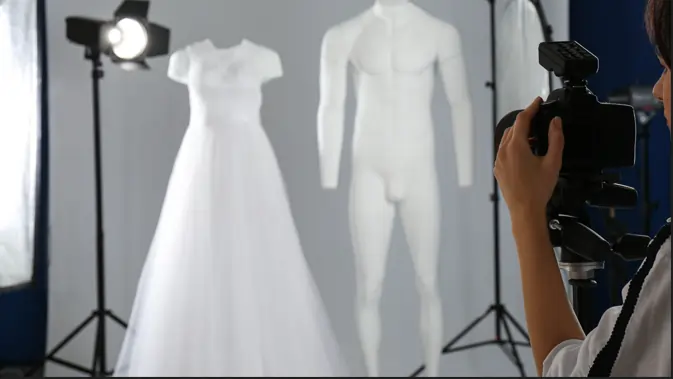
Step 1: Establish the Camera Height
Set the camera so its lens aligns with the center of the garment. This height prevents distortion and keeps proportions accurate. Use a solid tripod with locked legs to avoid drifting between shots, ensuring each frame remains consistent for later alignment when mastering ghost mannequin composites.
Step 2: Adjust the Shooting Angle
Keep the lens facing the garment straight on, avoiding upward or downward tilts. A neutral angle preserves symmetry, which becomes essential during retouching. Use the tripod’s bubble level or a digital level to check balance, preventing slanted lines that complicate the ghost assembly process during editing.
Step 3: Determine the Right Distance
Position the tripod several feet back so the garment fills the frame without touching the edges. More distance reduces perspective distortion and creates easier cropping boundaries. Maintain this distance for every angle, front, back, and side, so shapes remain uniform when combining inside sections and external contours later.
Step 4: Utilize Mounting or Overhead Tools
For top-down or challenging perspectives, attach the camera to a boom arm or horizontal extension mounted on a heavy-duty stand. Tighten all knobs to prevent sudden movement. This setup allows stable overhead shots of collars, necklines, or interior label areas important for building a complete ghost mannequin technique.
Step 5: Integrate Lighting With Camera Placement
Place lights in positions that complement your angle. When the camera sits front-facing, position soft illumination slightly above the lens line to minimize deep shadows. Add a weaker fill source opposite the key light to keep textures visible without flattening them. This balance simplifies masking and contour refinement later.
Step 6: Use Remote Shooting Methods
Attach a tether cable or wireless trigger so you can capture frames without touching the camera. This reduces shake, protects composition, and helps maintain perfect alignment across different angles. Steady captures reduce retouching time and produce smoother edges when editing garments into a clean ghost presentation.
Photographing Different Products
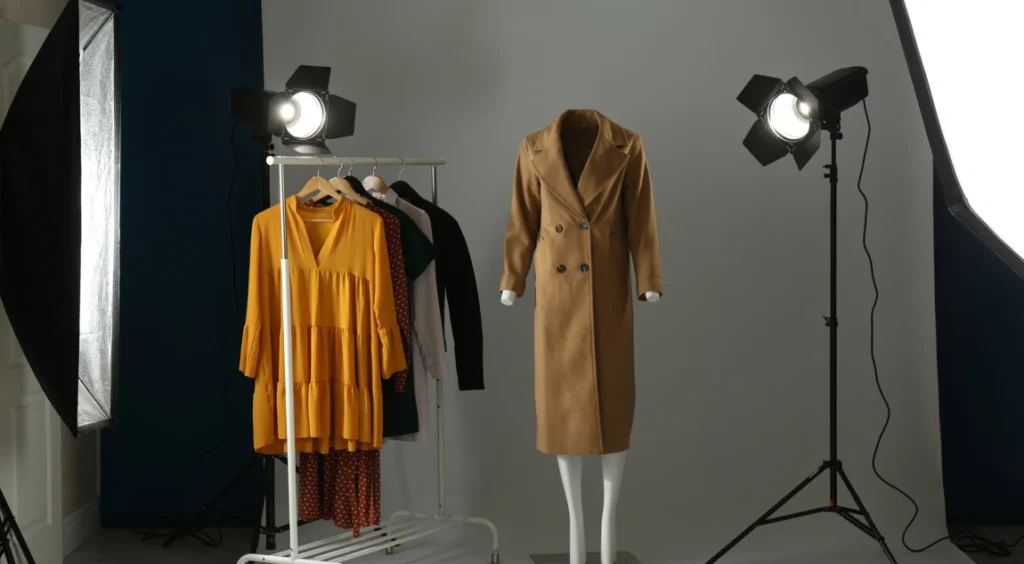
Prepare Clothing to fit your Mannequin or Model
Dress the model or a mannequin carefully, smoothing fabric so it sits naturally. Check the shoulders, neckline, and sides for unwanted creases. Adjust hems, tighten straps, and secure loose areas with clips placed out of sight. A neat presentation gives you cleaner outlines when you begin building the final ghost mannequin structure later.
Arrange Smaller Items Like Socks
Lay socks flat on a clean surface, or place them on a simple form that matches a foot shape. Straighten the fabric so the texture appears even from top to bottom. Keep each pair aligned at the same angle. Clear, balanced photos help you create a consistent look and make sure that your product fits for your store.
Photograph Shoes With Stable Support
Place shoes on a level table and angle them slightly toward the camera. Place soft paper or clear supports inside to hold their shape. Keep both shoes facing the same direction, so the lines take multiple shots. This approach helps you present a tidy and organized look once the images reach your product page.
Capture Jackets With Balanced Positioning
Hang jackets on a firm hanger or dress them on a mannequin. Smooth the front panels, raise the collar evenly, and check the sleeves so they hang naturally. Position the camera directly in front, then repeat the angle from the side to show depth. These perspectives give you a reliable guide to ghost mannequin editing.
Photograph Dresses With Full-Length Coverage
Place the dress on a mannequin and ensure the waist, shoulders, and hem fall straight. Step back to capture the entire length without cutting edges. Rotate the mannequin slowly and take front, back, and angled shots. These views allow you to show movement, length, and silhouette clearly in professional product photography.
Capturing Multiple Angles
Photograph of the Front View
Position the mannequin so it faces the camera directly. Keep the garment smooth and centered. Capture a clear, balanced frame that shows length, shape, and fit, and key design features. This angle becomes your main reference and forms the foundation for building the ghost mannequin result during editing.
Record the Back View
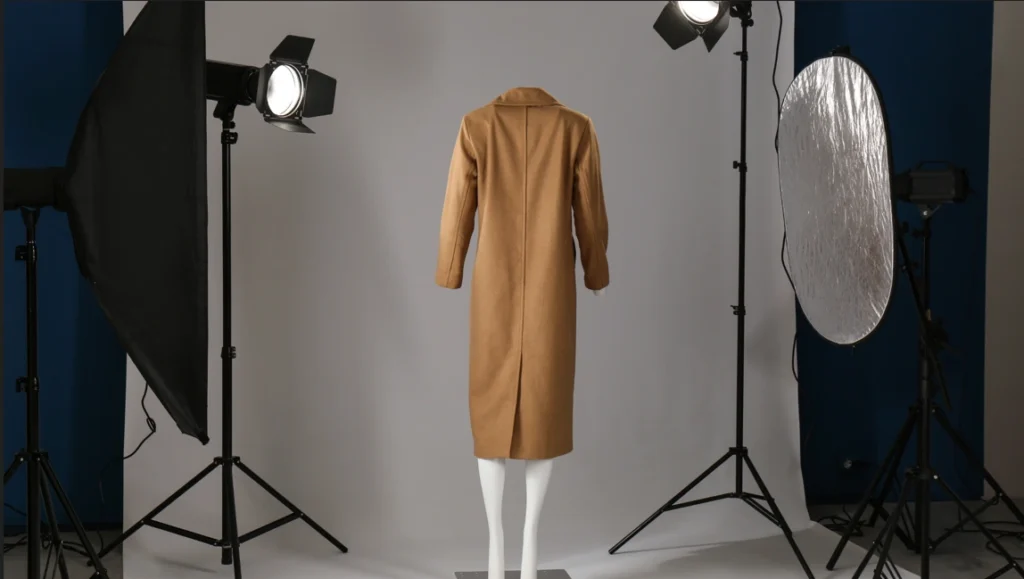
Rotate the mannequin without shifting the tripod. Make sure the garment hangs evenly across the shoulders and hem. Take a clean rear image that mirrors the front in height and distance. Matching both sides helps you assemble a natural, symmetrical look when blending multiple images later.
Capture the Side View
Turn the mannequin slightly left or right. Check sleeve placement and overall alignment. Keep the camera at the same height and distance as the previous shots. This angle adds depth information, giving you valuable material for shaping curves and edges in the final ghost mannequin layout.
Photograph Interior Details
Lift the neckline or open the garment to reveal the inside area you will need for the ghost effect. Take a close shot from a steady overhead angle. Keep lighting soft so stitching and fabric texture remain visible. These interior photos help fill in empty sections once the mannequin is removed during editing.
Maintain Identical Settings
Use the same camera height, tripod placement, and lighting strength for every angle. Consistency prevents mismatched edges and uneven proportions. Stable settings across all positions give you clean files that align accurately when you combine front, back, side, and interior photos into a complete invisible mannequin presentation.
Editing Workflow for the Ghost Mannequin Effect
Import and Organize Your Files
Bring all photos into your editing software and group them by angle. Label each set clearly, including front, back, sides, and interior shots. Keeping everything organized helps you switch angles quickly and prevents confusion when you begin constructing the final ghost mannequin result from multiple image editing.
Build a Clean Selection Outline
Use a precise selection method to trace the garment’s shape. Follow every curve and edge with care to avoid jagged lines. A controlled outline makes later steps smoother and prevents gaps when combining multiple images. This foundation is essential for a realistic, well-blended ghost mannequin effect.
Remove the Mannequin Carefully
Apply a mask to hide the mannequin while keeping the garment visible. Refine the mask edges until the outline feels natural and smooth. This step removes any distracting forms and prepares the image for inserting the interior areas that complete the hollow, three-dimensional appearance of the clothing.
Interior Clothing
Import the neckline or inner detail photo and place it behind the main garment. Scale and position it until the edges align naturally. This interior layer fills the empty space created when the mannequin is removed, giving the garment its floating, invisible-body shape that defines the ghost mannequin style.
Refine Seams and Structure
Examine collars, hems, and openings closely. Use subtle adjustments to smooth uneven edges or small imperfections. This fine-tuning ensures the garment keeps its natural structure without showing masking flaws. Clean seams and accurate contours help the final result look polished and ready for professional presentation.
Create a Soft Shadow Layer
Add a gentle shadow beneath the clothing to reinforce depth. Use a soft brush or gradient to maintain a natural look without heavy contrast. The shadow helps the garment sit realistically on the background, improving the overall three-dimensional effect while keeping attention on the product itself.
Perform a Final Quality Review
Check the entire image for accurate alignment, smooth blending, and consistent lighting. Compare it with the original angles to showcase the unique shape. Make any final adjustments before exporting. A complete review ensures the ghost mannequin effect will be able to make clean, balance, and ready for online display.
Conclusion
The master Ghost mannequin photography offers a clear, realistic way to show how each garment naturally fits. With steady shooting and careful editing, you create images that highlight shape without distractions. This method strengthens product presentation, builds trust, and delivers a clean, modern style that encourages confident buying decisions across any online store.
FAQ on how to do ghost mannequin photography
What is ghost mannequin product photography?
Ghost mannequin photography is a technique that removes the mannequin or model from clothing photos. This creates a clean, floating look that shows the garment’s true shape, structure, and fit without any visual distractions.
Why should I use ghost mannequin images for my online store?
These images help customers clearly understand how a garment fits. The clean, hollow presentation highlights form and details, improving product appeal and boosting shopper confidence.
Do I need a full studio to capture ghost mannequin photos?
A complete studio is helpful, but not required. A well-lit room, a solid mannequin, a tripod, and basic lighting tools are enough to capture high-quality images suitable for editing.
What angles should I capture for the best ghost effect?
You should photograph the front, back, sides, and interior areas like necklines or labels. These angles give you all the pieces needed to build a natural ghost mannequin composite during editing.
Which software is best for creating the ghost mannequin look?
Most photographers use Adobe Photoshop because its selection, masking, and blending tools offer precise control. Any program with similar features can be used, but Photoshop provides the most reliable workflow.